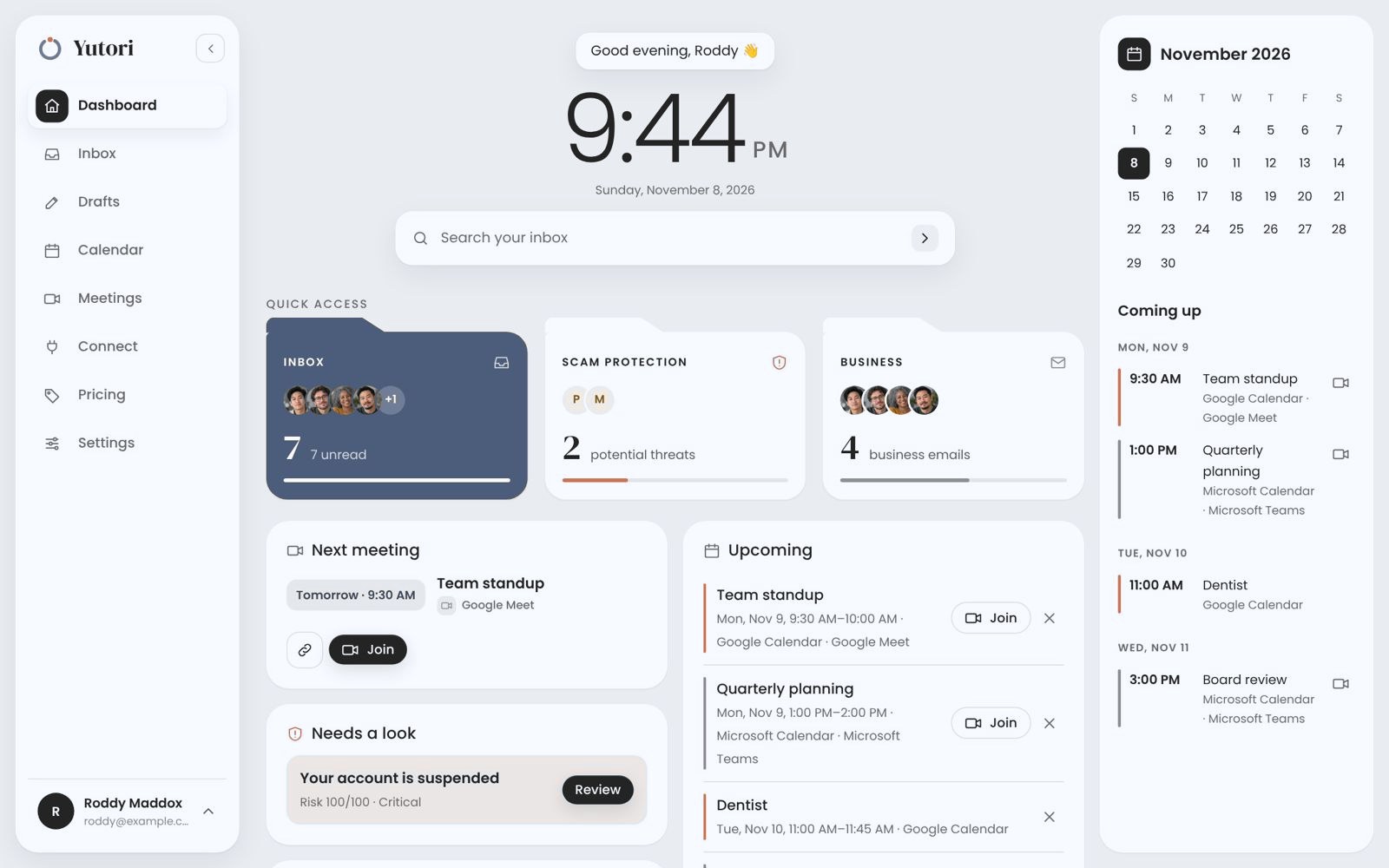
Email, calendar and meetings in one calm place
Breathe.
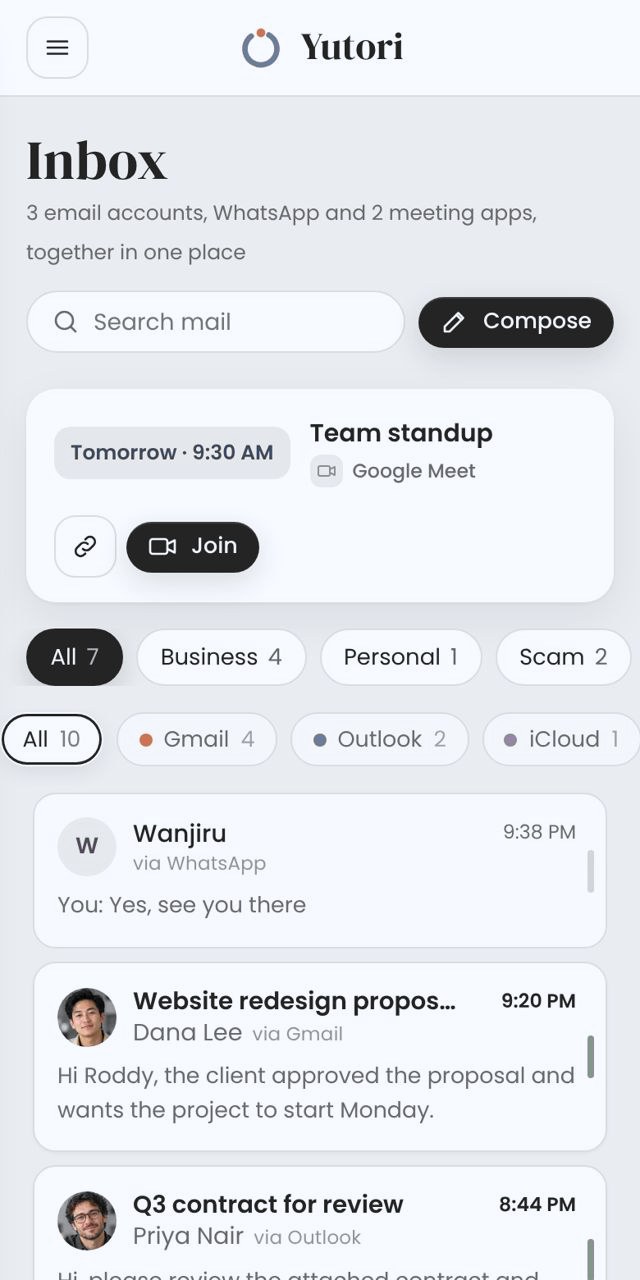
Yutori (ゆとり) means room to breathe. It brings Gmail, Outlook, iCloud, your calendars and your meeting apps into one quiet inbox, sorted and checked for scams.
See how it worksEvery message understood,
every scam caught early.
01How it works
From arrival to action in five calm steps.
Yutori sits above the tools you already use. It doesn’t replace Gmail, Outlook, Zoom or your calendar. It reads what arrives and helps you act on it.
- ConnectGmail, Outlook, iCloud, calendars, Meet, Zoom and Teams
- UnderstandBusiness, personal or sus, with a one-line summary
- ProtectSender, wording and link checks add up to one risk score
- OrganizePriority, deadlines and meetings in one place
- ActDraft, schedule and reply, always with your approval

02FeaturesBuilt around
Built around
your day.
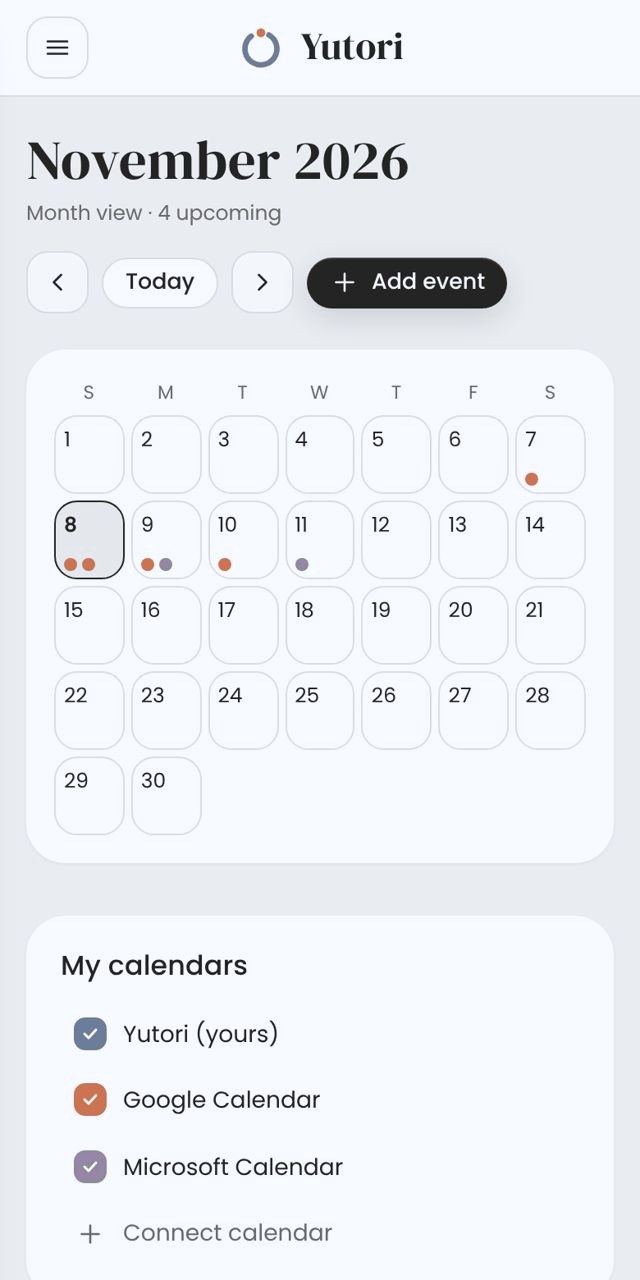
Each part of Yutori does one job well. Pick a part to see it, or create an account and try the whole thing with your own inbox.
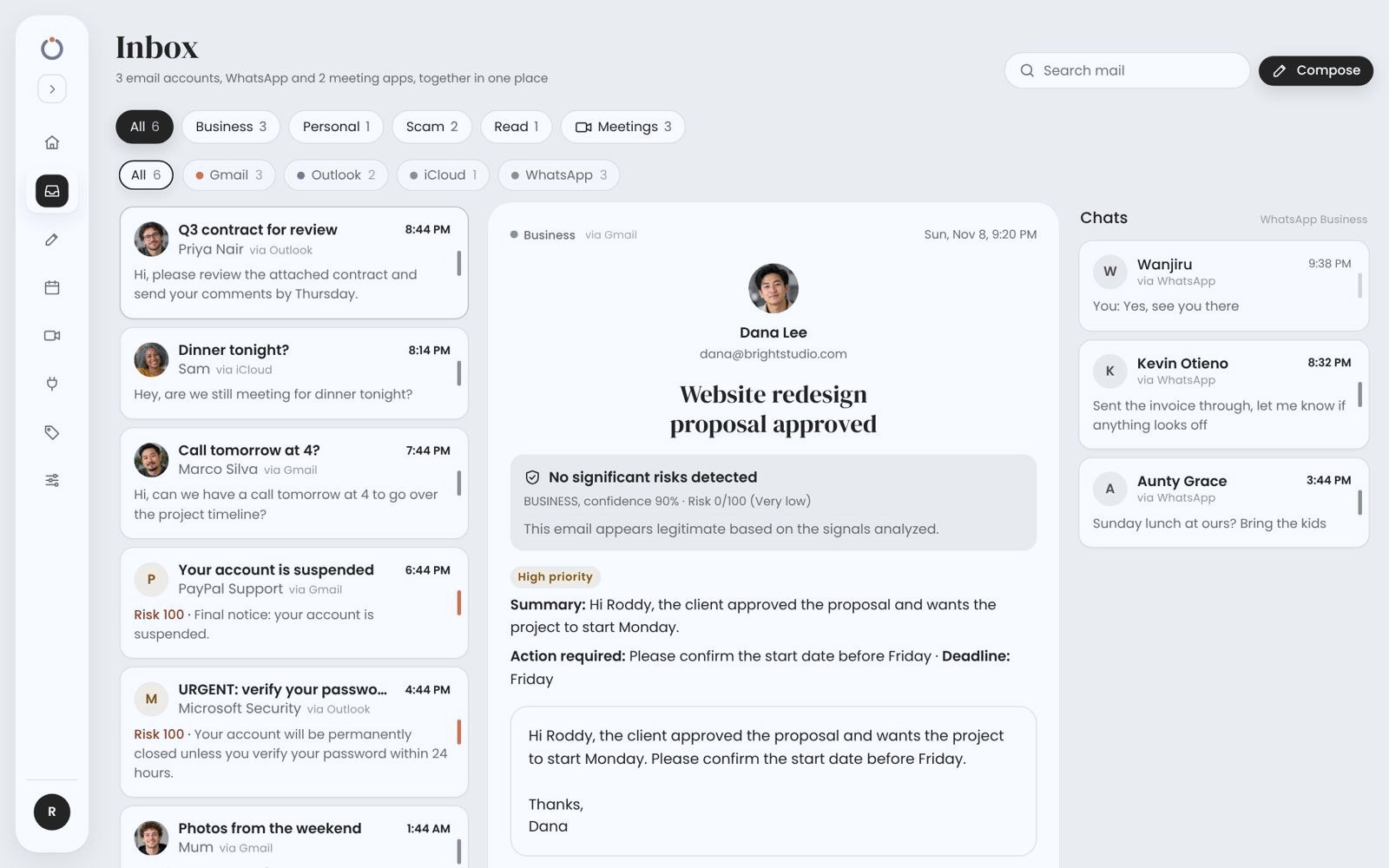
See why an email looks wrong
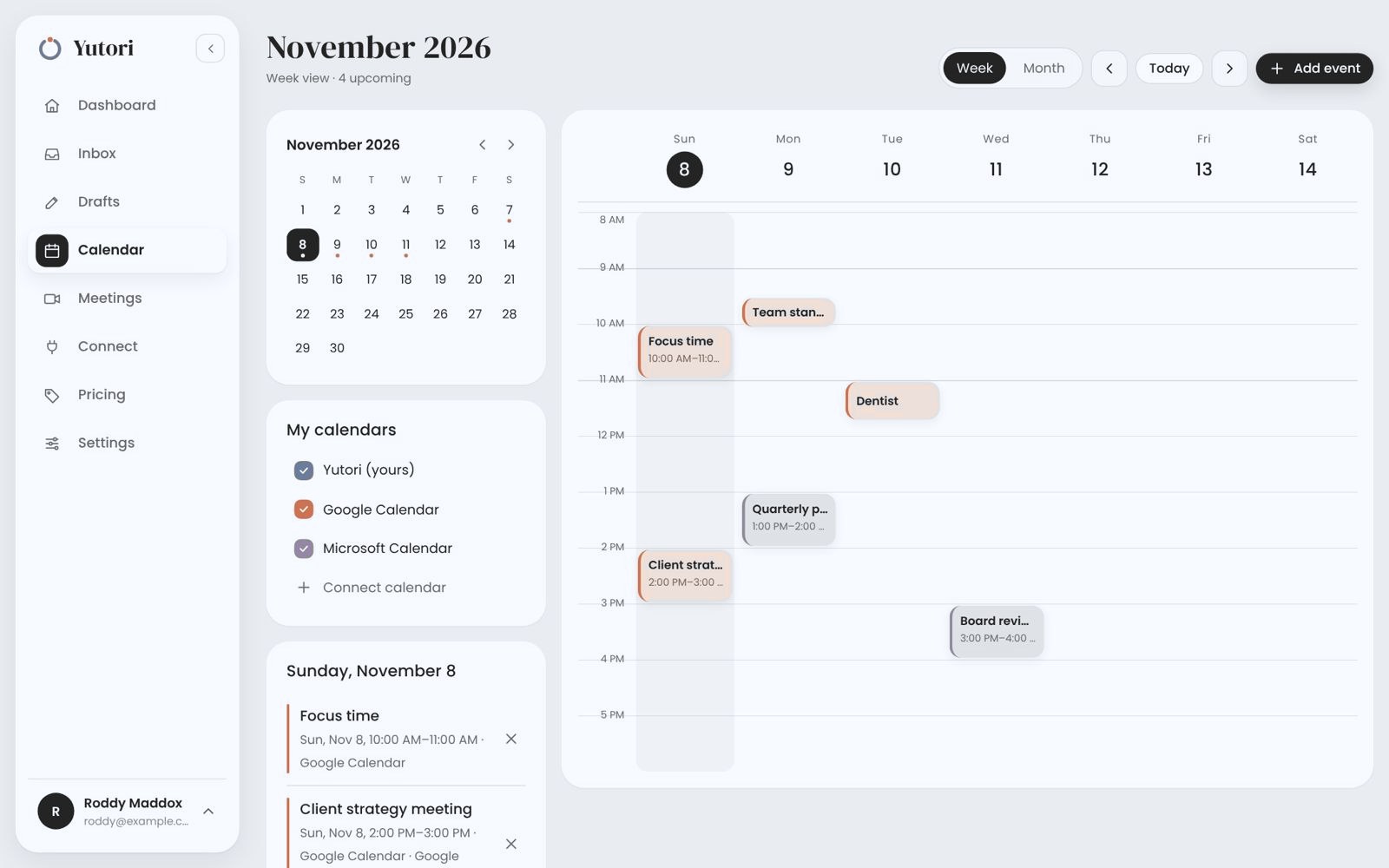
Answer “are you free?” in one tap
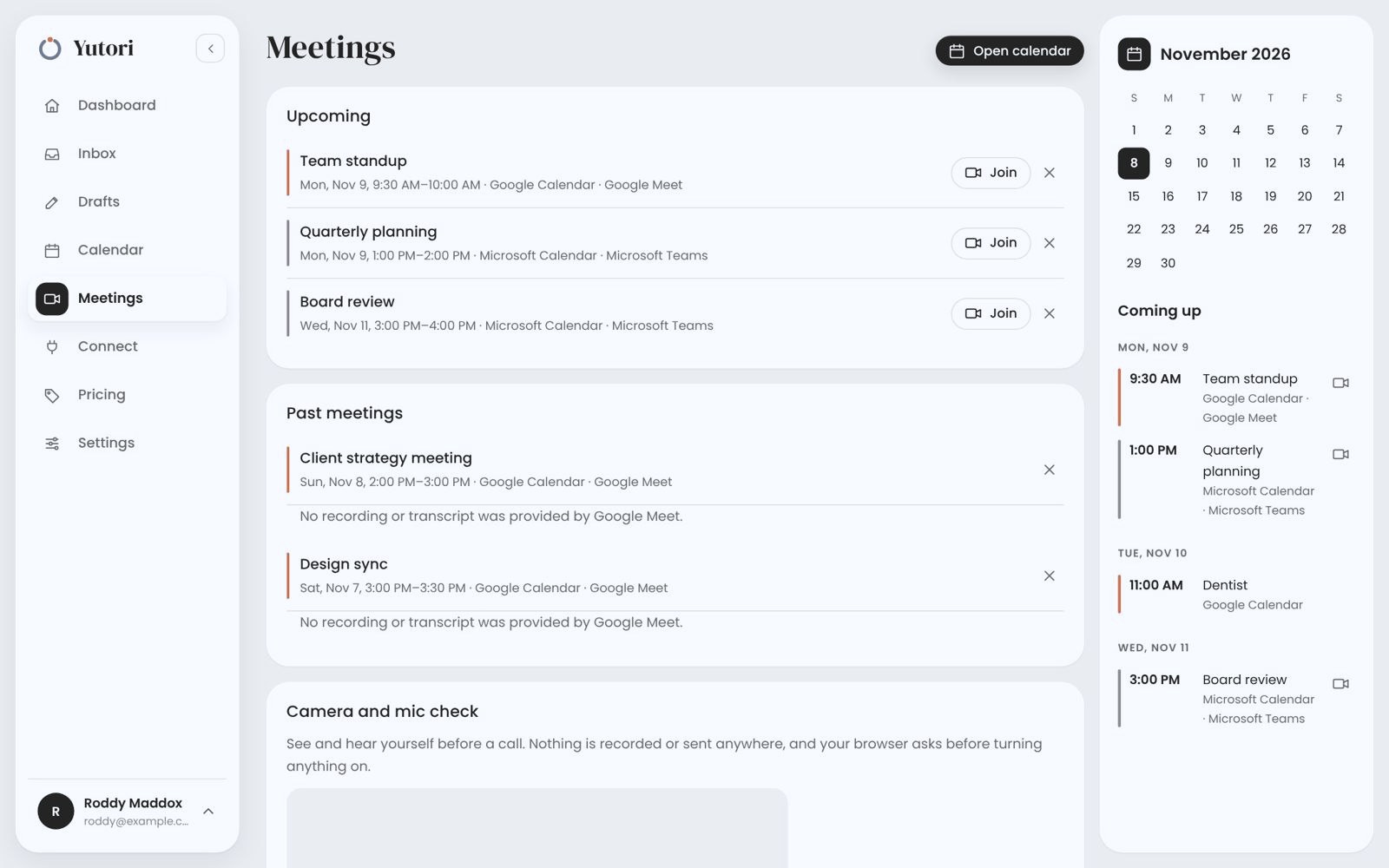
Every meeting, one list
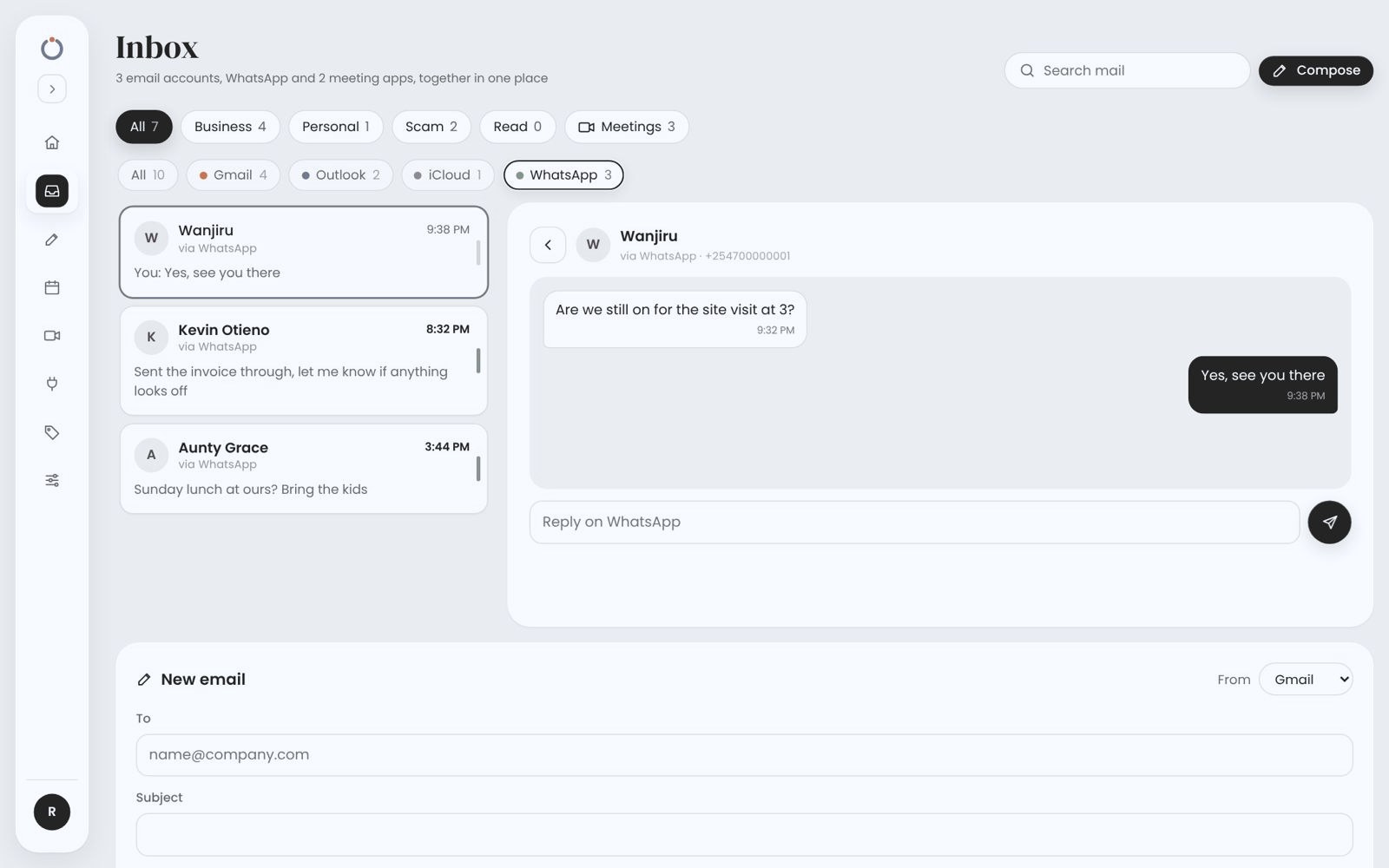
WhatsApp next to your email
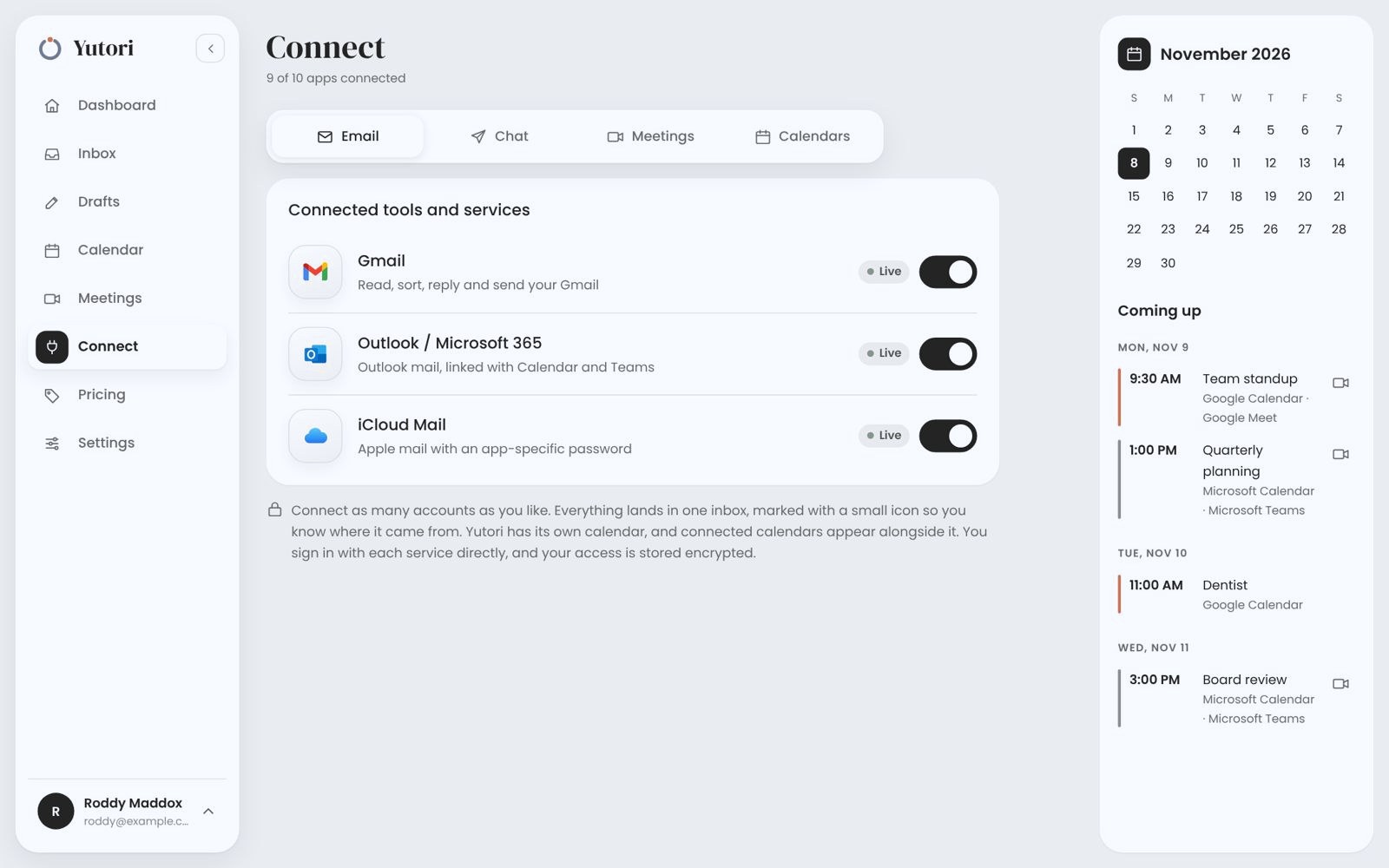
You stay in control
6apps in one inbox
0–100risk score on every email
3open times offered per request
0emails sent without your say
Give your inbox room to breathe.
Light, dark or system theme, on phone, tablet and desktop. Tokens stay on the server, your data is yours, and you can disconnect and delete anytime.
Create a free accountPricing
Pricing that stays simple.
Start free. Upgrade when Yutori becomes part of your day. Cancel anytime.
Questions
Good to know.
Short answers about how Yutori works, what it costs and how it keeps your email private.
What is Yutori?
Yutori is one calm place for your email, calendar and meetings. It sits on top of the accounts you already use, sorts each message as business, personal or sus, writes a one-line summary, and helps you reply, schedule and join meetings without switching apps.
Which apps does Yutori work with?
Gmail, Outlook and iCloud Mail for email; Google, Outlook and iCloud calendars; Google Meet, Zoom and Microsoft Teams for meetings; and WhatsApp for chat. You can connect more than one email account.
How does the sus email check work?
Every email gets a risk score from 0 to 100. Yutori looks at the sender, the wording and the links, then tells you in plain language why a message looks wrong, so you can decide before you click or pay anything.
Will Yutori send or delete email on its own?
No. You choose Manual, Suggest or Auto for each kind of action, and nothing is sent without your say. AI drafts and summaries are there to help, so check them before relying on them.
How much does Yutori cost?
Free forever with 2 email accounts, 10 AI requests a day and 30 days of history. Pro is $12 a month for up to 3 email accounts, unlimited calendars, meeting apps, AI and history. Team is $24 per user a month for teams of 3 or more, with shared calendars and admin controls. Yearly plans get 2 months free, and you can cancel anytime.
Is my email private?
Sign-in tokens are encrypted on the Yutori server and never reach your browser. Your data is scoped to your account, it is never sold, and you can disconnect an account or delete everything at any time. The Privacy Policy explains the details.
Can I use Yutori with my team?
Yes. The Team plan adds shared calendars and availability, invites, admins and an activity log. You can try the Teams workspace with demo data before you sign up.
Still wondering? Try the Teams demo, read the Privacy Policy, or email techdevtrade@gmail.com.
Yutori.
One calm place for your email, calendar and meetings, with sus email protection built in.
- Read, sort and send Gmail, only when you approve
- See your calendar and add events with Meet links
- Tokens are encrypted on the Yutori server and never reach this page